
Category: ALM
Agile@School – Terza lezione
Agile@School – Seconda lezione
Agile@School 2017 – let’s start over

As a recurring project, Agile@School is started again on February, with a new set of projects and ideas. Gabriele will help me again, but it will be a very difficult task. During the past year we followed a Scrum approach, in order to comply the team structure. As you can read here, there were one team with a small bunch of members. Now, we’re getting “bigger”. As a result, we’ll have micro-teams of two/three member each. Great chance for Kanban. Let’s give it a try.
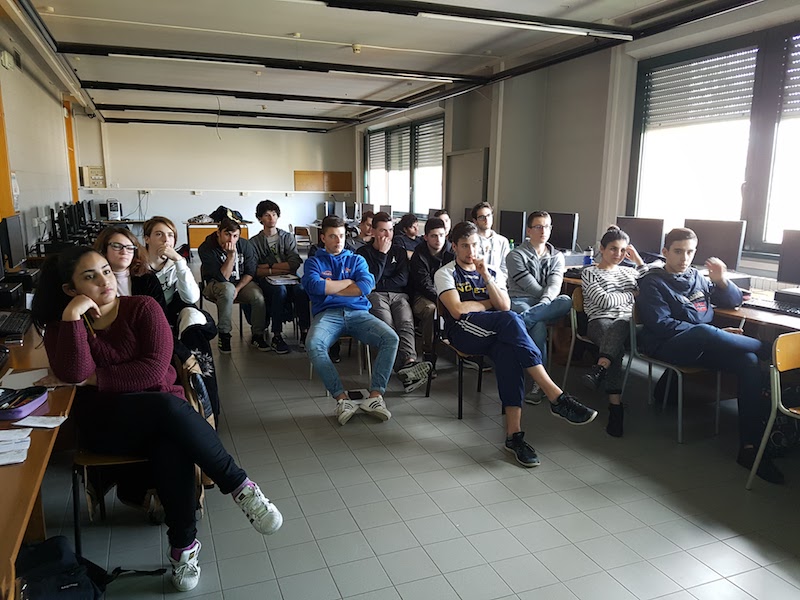
How will we approach in the beginning?
- defining a set of micro-team, that we call “task forces”
- designing a Kanban board
- describing personas
- speaking of some ceremonies we’d like to get rid of
- speaking of some ceremonies we’ll keep
- describing the customer journey and the story map practices
The task forces
The term not fits very well, actually; indeed, a task force is something that could be considered as a “defcon 1” team. However, we would give the teams a label which is “strong”. To be honest, we have a little amount of time, so in the end we can say that we’re in hurry already 🙂
The Kanbard board
As we said above, we will have more task forces, most likely six. Therefore, the board will use columns (as usual) for the status management and rows (aka Swimlanes) for separating teams and projects.

The board will be created in Visual Studio Team Services, in order to use also the Source Control Manager which relies on it.
Personas
Each team member will populate a simple card, the Persona card, which is depicted in the picture below:
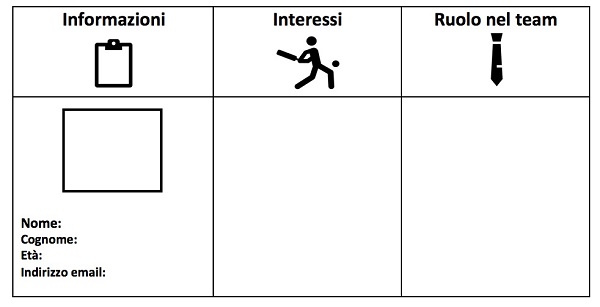
As you can see (in Italian), the first column is for Persona details, the second for interests and the third is the “role” which the member would like to have. I know that the last column is not included in any best practice, but I feel that some student could start to think about its job and its future. Could be interesting.
The customer journey
During the next meeting, we’ll ask the students to show us their customer journey. Each team will have to describe the journey of a typical user, with mood for each action it takes and the value which it gets by the action itself.
Conclusions
Kanban, task forces, boards, customer journey, personas, etc. This year is full of new things to get knowledge from. Also the source control manager will change. We will use git on VSTS so we will get different projects in the same place in a quicker way.
And now, let’s start over! 🙂
Automatically link databases to Red Gate SQL Source Control

For the ones that have many databases to keep under source control, it can be really useful to speed up the link-to-source-control process. The only way we have now is to use the GUI provided by Red Gate SQL Source Control. Actually, there’s a github project called SOCAutoLinkDatabases by Matthew Flat, a Red Gate engineer, but, unfortunately it works only on a shared database model (centralised) in TFS. Let’s see how to manage the link using Working Folder (which is also good for many SCM) and dedicated database model (distributed).
Continue reading “Automatically link databases to Red Gate SQL Source Control”
Agile@School – 7th episode

In the 6th episode’s post we’ve spoken about the concept of “sprint failure” and “start again with a new spirit”. Now I can say that we have reached our goals and the application is up and running, ready to be shown during the exam sessions.
We are proud to introduce online Students’ Yearbook!
Agile@School – 6th episode

Finally, we have a problem here!
Projects without troubles are not real, to be honest. All the students worked so good, but they’re still focused on development. Sometimes they forget the metrics and the importance of the knowledge base of the whole team. Sometimes it seems that they think that is not important to share status of tasks, remaining work hours, additional details while managing activities, and so on.
Agile@School – episode 5

It’s time to review the work done.
The web application the students are working on is reaching its end, speaking about development. It’s not so good to see, we know it, but starting from this sprint, we will apply some graphical stuff and we’ll be ready to present the tool to the “board”.
Agile@School – episode 4
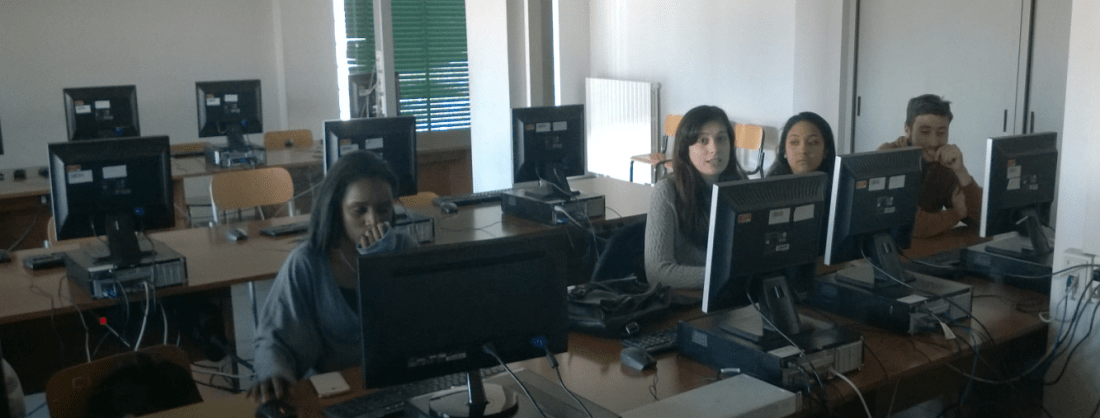
The sprint 2 was completed successfully. This is a great news and when I’ve heard that sentence, I was very happy with my “class”. Yes, we miss something, but the software package is working, and not just in one client.
Agile@School – episode 3
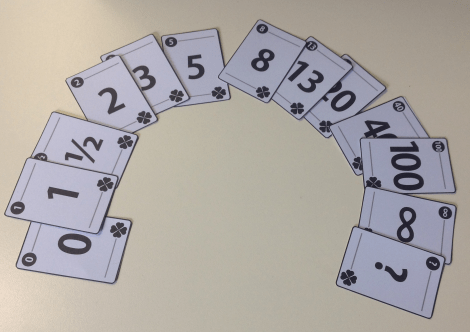
Agile@School project is growing and finally we’re reaching the most important part of the iteration.
In this third episode we played the planning poker game on a round table (which appears like a poker session at a first sight actually 🙂 ) and the students decided to skip the coffee break! You know how is really difficult for them to be focused.
 Alessandro Alpi's Blog